What the website design process actually is
Quick answer
A website design process is the order used to turn a business into a website customers can understand and use. For a small business, it has eight steps: choose the one customer action, collect the facts and proof, map the pages, write the important words, set the visual direction, build the customer path, test it on a phone, and launch with an owner-approved checklist. The order matters. A beautiful homepage cannot rescue a missing service detail, a weak contact path or a promise the business cannot keep.
Many website projects feel slow because the decisions arrive in the wrong order. Someone starts with a template, then asks for the services, then asks for photos, then discovers there is no clear answer to what happens after a visitor gets in touch. The work loops backward. A better process puts the customer decision first and turns the business facts into pages before anyone debates a shade of blue.
This guide is for an owner building a first site, replacing an older one, or handing the work to a partner. It does not require a large team or a long brand document. It does require honest answers about the offer, the customer, the proof and the next step. The website planning template is a useful companion when those answers are still scattered across emails, notes and people's heads.
1. Choose the one job the website must do
Start with the action that makes the website worth having. For a plumber, that may be a service request. For a restaurant, it may be an order or catering inquiry. For a consultant, it may be a short conversation with a qualified prospect. Pick one primary action even if the business also takes calls, sells products or answers support questions.
This is not a slogan exercise. It decides what the first screen says, which page receives the most attention and what the main button promises. If the business confirms appointments by phone, the wording should say request or contact, not imply that a time is already reserved. If an estimate needs photos and an address, the next step should collect those details without asking for a life story.
Write the decision in one sentence: “The site helps [customer] [take action] when they need [service or outcome].” If that sentence feels vague, pause here. A website cannot make a visitor's path clear before the business makes its own path clear.
- Name the primary customer, not everyone who could possibly buy.
- Name the moment that sends them looking for help.
- Name the action the business can fulfill reliably today.
- Name the person who owns a reply, a call or the next handoff.
2. Gather the facts and proof before writing pages
The raw material for a credible site is rarely in one folder. It is the service list in the owner's head, the hours on a storefront sign, the photos on a phone, the real reasons customers choose the business, and the questions the front desk hears every week. Gather it before writing. Otherwise the project fills with broad claims while the useful details turn up after the design is already approved.
Make one working list with the legal business name, service area, phone, email, hours, offers, prices or price shape, qualifications, team details, policies, real reviews and original photos. Mark every item that needs an owner to confirm it. A business should never publish “same-day,” “licensed,” “award-winning” or “family-owned” because it sounds persuasive. Those words only help when they are true and specific.
Proof belongs where a customer is deciding. A real project photo helps more on a service page than in an isolated gallery. A response expectation helps beside the contact action, not hidden in an FAQ. The guide to building trust on a website shows how to place that evidence without turning every page into a boast.
3. Turn customer questions into a small page plan
A page earns its place when it answers a question that would otherwise stop the next step. A homepage orients a new visitor. A service page explains one offer. An about page gives a reason to trust the people behind it. A contact page makes getting help feel straightforward. An FAQ clears the recurring doubts that would otherwise turn into a phone call or an exit.
Do not begin with a giant sitemap. Start with the customer path. Someone might arrive on a service page, check the proof, then contact the business. Another visitor might arrive on the homepage, choose a relevant service and call. List the smallest set of pages that supports both paths, then add a page only when it has a distinct job.
The website design checklist gives a practical contents list for each core page. Use it to make decisions before layout work begins, not as a last-minute inspection sheet.
| Customer question | Best page | What the page must make clear |
|---|---|---|
What does this business do, and is it for me? | Homepage | The service, place or audience, one reason to trust it, and the main next step. |
Can you help with my specific problem? | Service page | What is included, who it is for, the process, proof and how to begin. |
Why should I trust you? | About or proof page | Real people, qualifications, experience, reviews or work that support the decision. |
What happens if I contact you? | Contact page | The right contact method, hours, response expectation and the information to prepare. |
What will it cost, take or require? | FAQ or service page | A direct, accurate answer before the visitor has to ask. |
4. Write the customer path before styling the page
A wireframe can be simple. Its job is to decide the order of information, not to produce a beautiful mockup. On the homepage, the first screen answers what the business does, who it serves and what to do next. The next sections prove the claim, show the relevant services and remove a few common doubts. The contact path stays visible without shouting at the visitor from every corner.
Write the rough words at this stage. A heading may change later, but the page still needs a truthful first answer, a useful service description and a next step. This avoids a common failure: the layout has perfect boxes, yet no one knows what should fill them. Use customer language, not internal labels. “Emergency drain cleaning” tells a homeowner more than “responsive solutions.”
For a closer look at page-level language, use the small-business website copy guide. It separates the job of the homepage, service, about, contact and FAQ pages so a visitor is not asked to decode one generic block of copy.
5. Set a visual direction that supports the business
Now choose the visual system: logo treatment, colors, type, photography, spacing, button style and the amount of detail on a page. The right direction comes from the business and the customer's state of mind. An emergency service needs fast clarity. A financial adviser needs calm explanation. A restaurant can lead with appetite and atmosphere, but still needs hours and ordering information to be easy to find.
Look at comparable businesses for expectations, not for a design to copy. Notice what a customer needs to recognize quickly, then decide what the business can make its own. Original photos, real work and clear details do more to establish identity than a fashionable effect. If a photo is decorative, it can be decorative. If it is proof, label it and place it near the claim it supports.
Accessibility belongs in this step, not in a cleanup pass. The W3C guidance on writing for the web is a useful baseline: write descriptive headings and links, use clear language, and make the purpose of each control obvious. Good contrast, readable type and visible keyboard focus are part of making the site usable.
6. Build, then review the real customer journey
A preview is where the plan meets real screens. Read the site in the same order a new customer would: homepage, service page, proof, contact. Then start from the other direction, such as a service page someone may have opened directly. In both paths, check whether the visitor can understand the offer before scrolling too far, find the relevant detail, and take a next step without backtracking.
The review should have named checks rather than a vague request to make it feel right. Check the actual phone number, hours, email, links, form wording, image captions and promises. Ask one person who does not know the business to complete the main task. Where they hesitate is a better signal than an argument about personal taste.
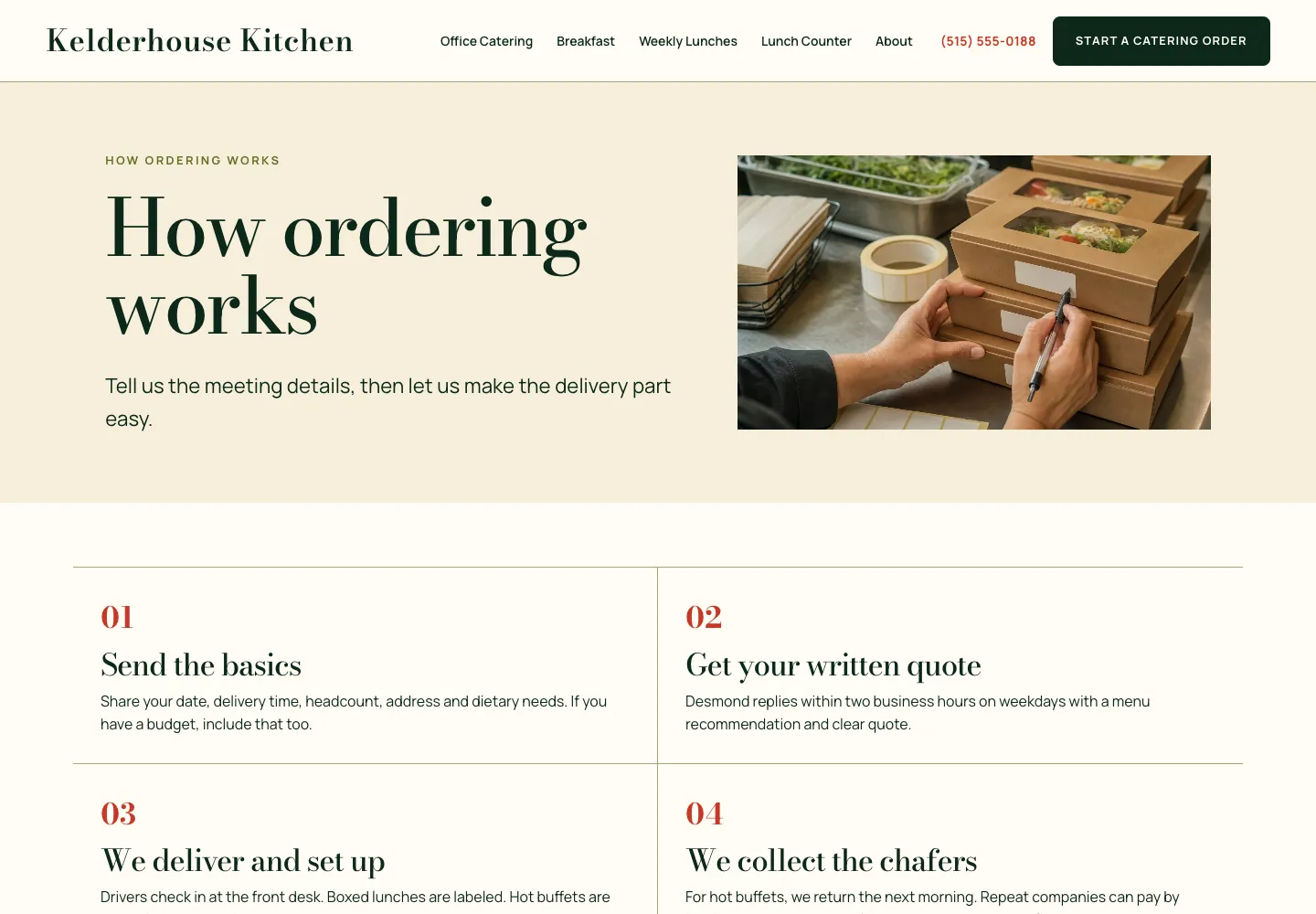
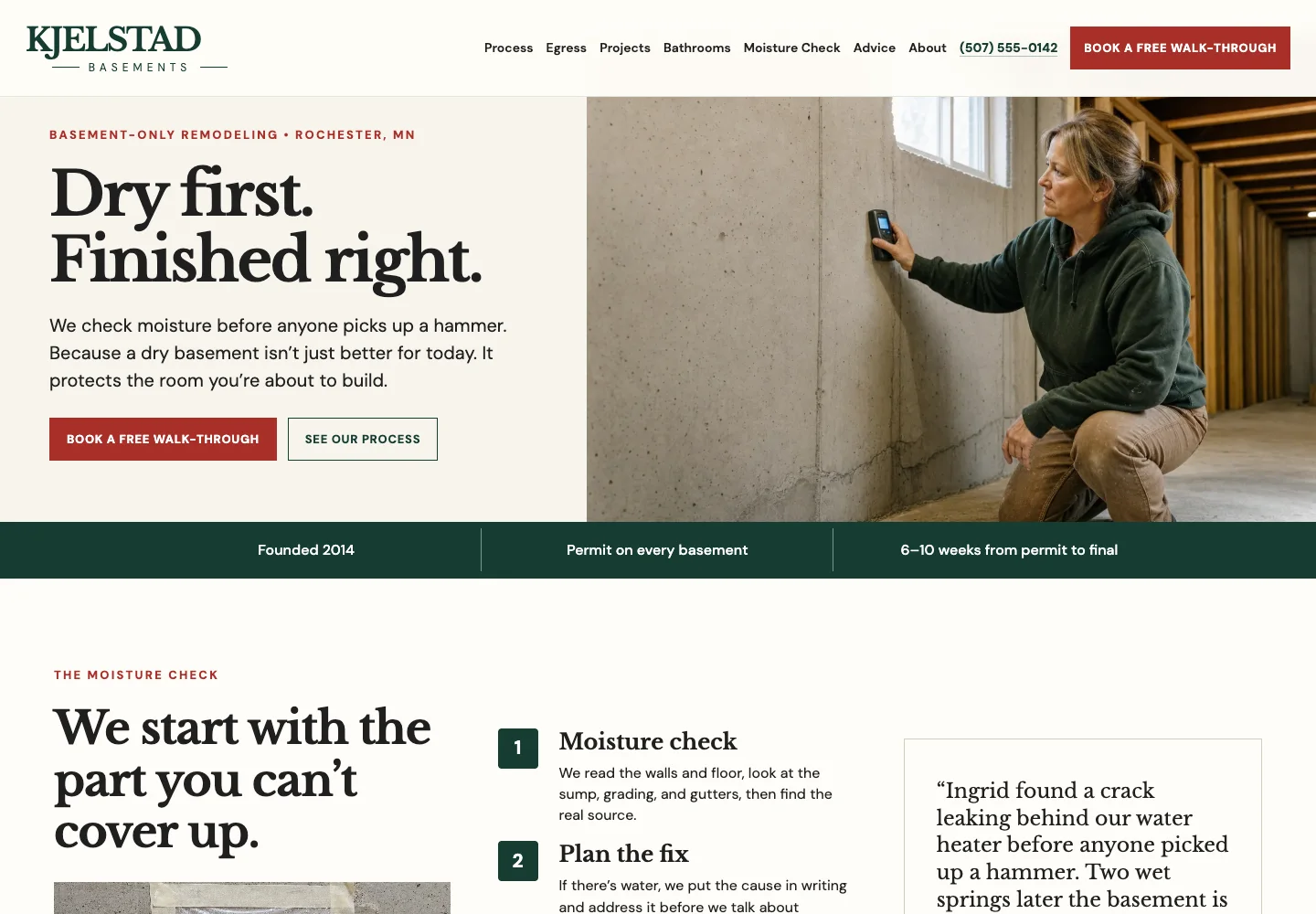
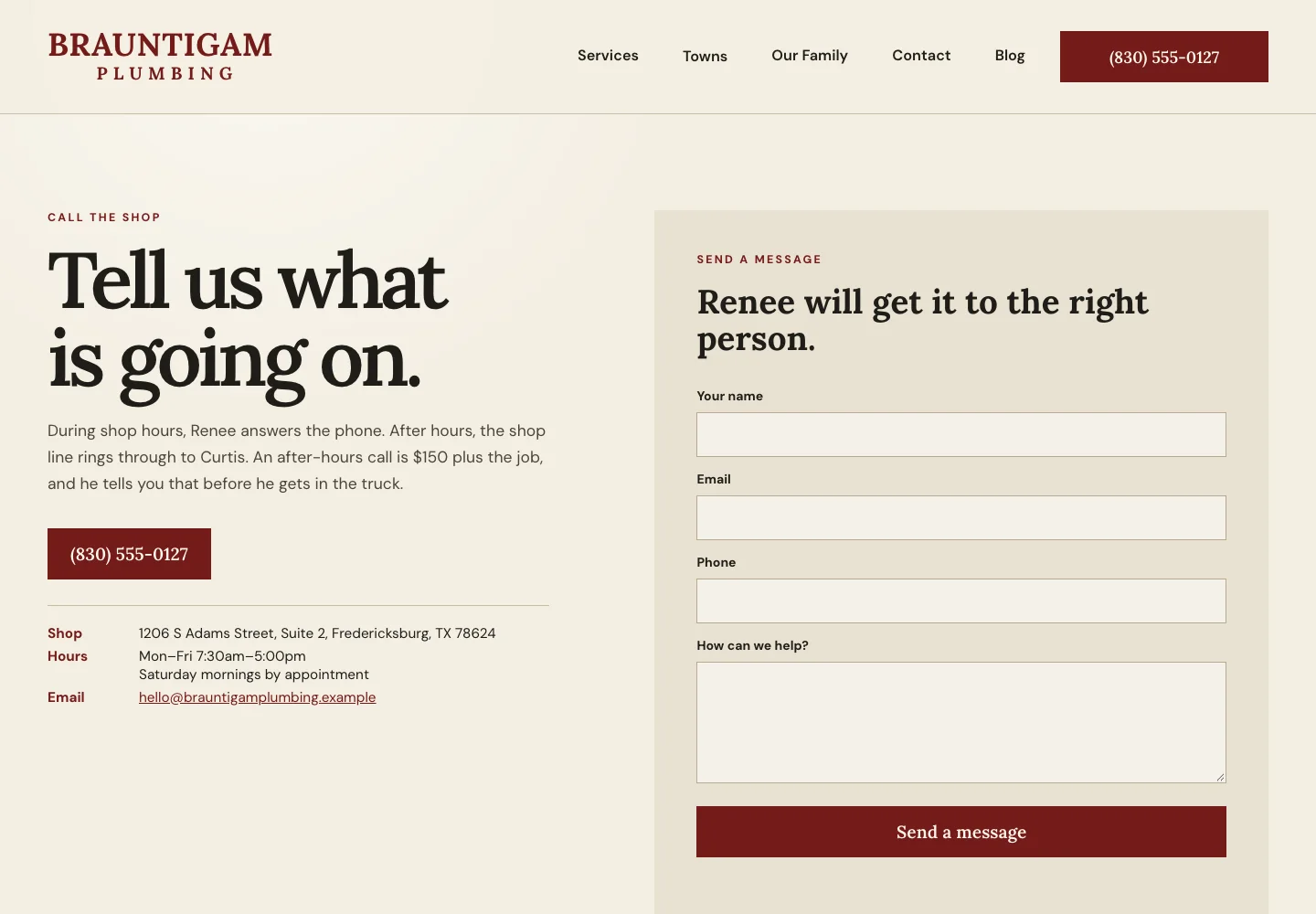
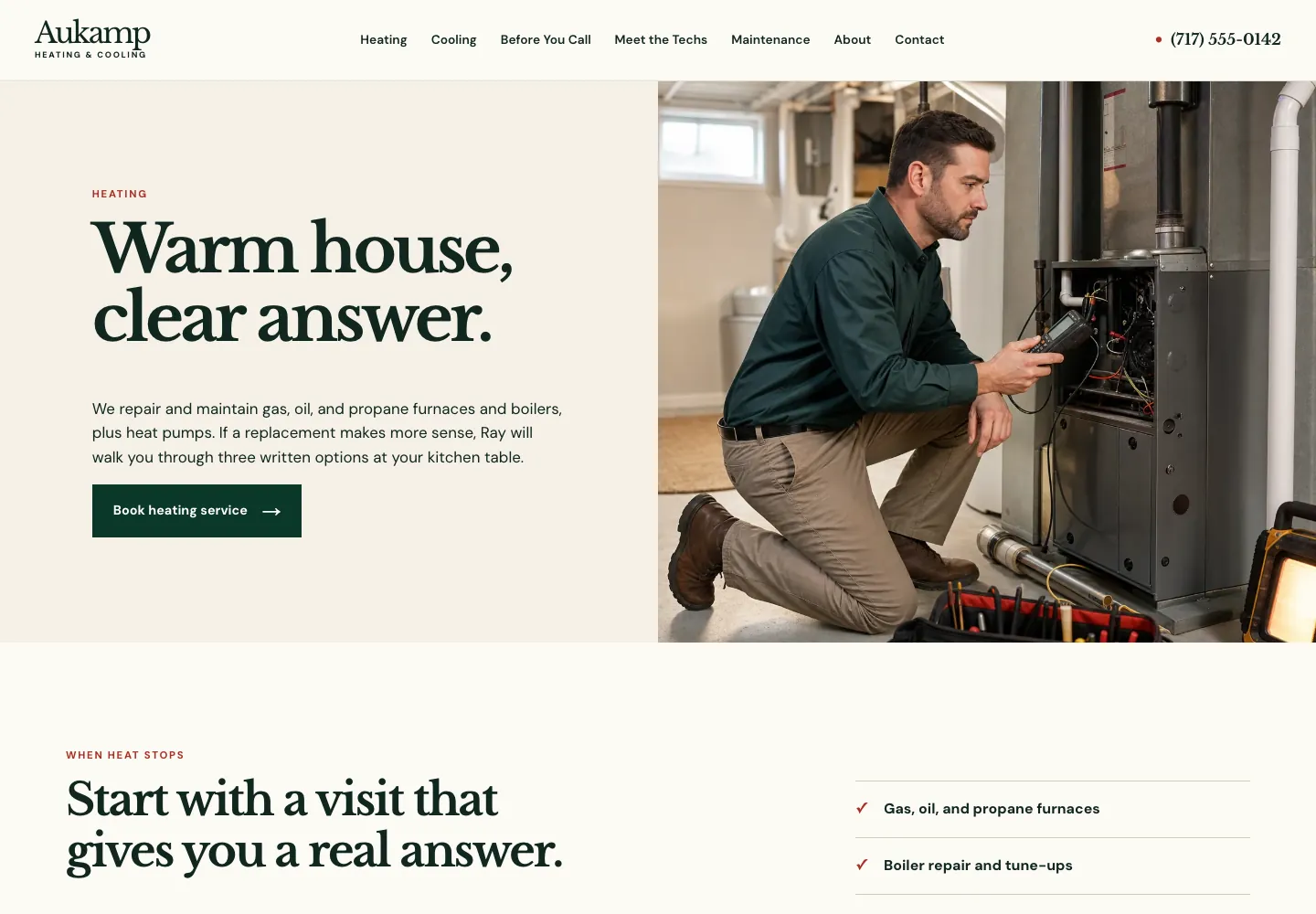
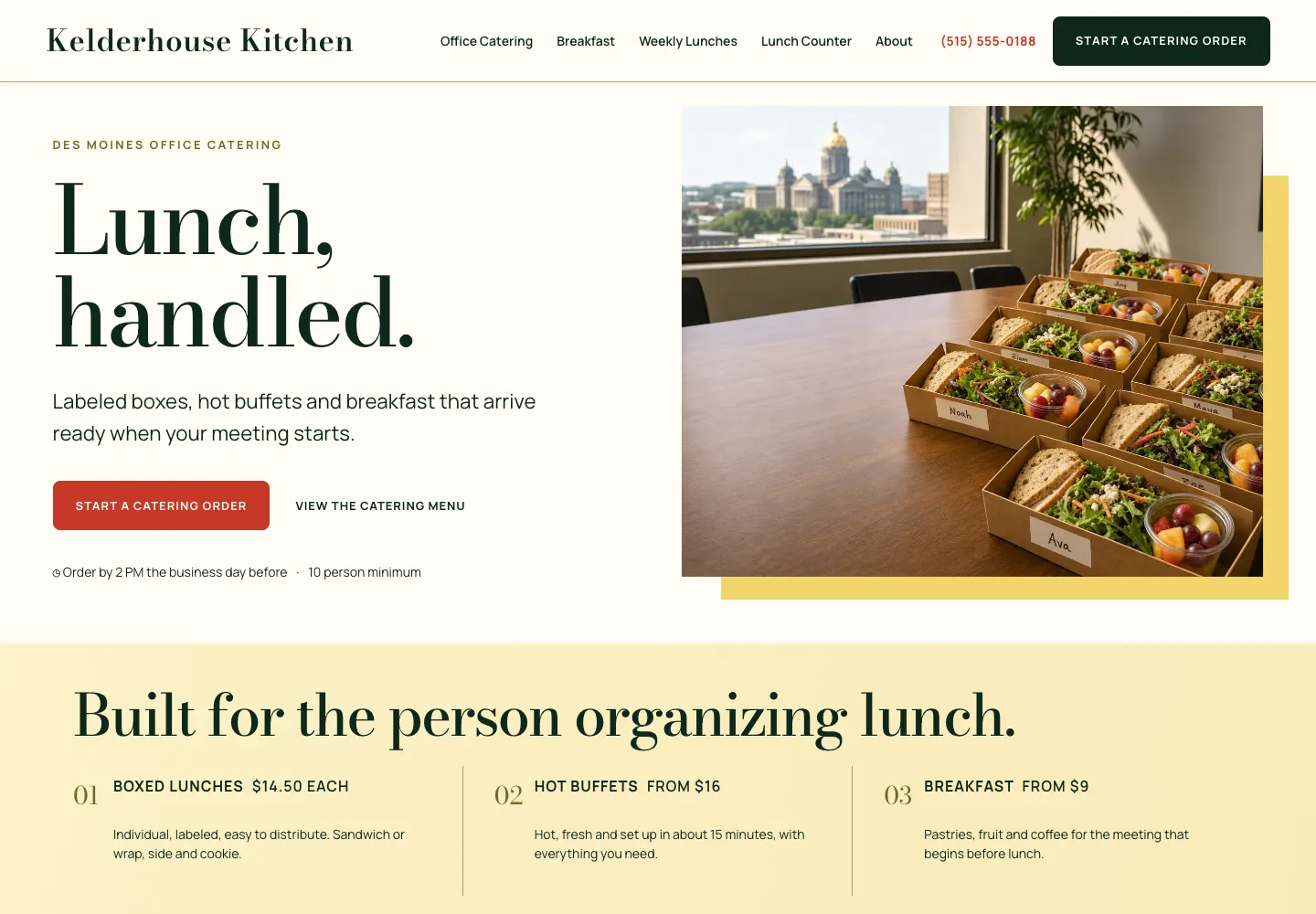
Theo's small-business website examples are useful for comparing different customer paths. Each was built around the decisions a particular kind of business has to make clear, from urgent calls to quote requests and catering orders.
7. Test the details on a phone before launch
Phone testing is not a miniature desktop review. It is a check of the moments where a customer acts: opening the menu, reading the first screen, tapping the number, using the form, checking a location and following the promised next step. Test on a real phone at a normal text size. If the visitor has to pinch, hunt or guess, the path is not ready.
Work through a short launch pass: open every main navigation item, test every contact method, submit one real form, read the confirmation, check that the receiving inbox is watched, and open the site in more than one browser. The website launch checklist adds the broader owner review for business details, legal pages and the first few weeks after the site opens.
Do not hold the whole launch hostage to tiny aesthetic disagreements. Fix anything that changes comprehension, trust or the ability to act. Make a short list of lower-stakes improvements for the first update. That keeps launch day focused and prevents a site from remaining unfinished while people debate a button radius.
8. Treat the first update as part of the process
The first useful update usually comes from the same places as the best original copy: customer questions, staff feedback and a detail that changed in the business. Add the answer where the question belongs. Update a service description when the offer changes. Replace a stock image with real work when it becomes available. Keep the site as close as possible to the business a customer will actually reach.
For owners who want the website handled, Theo's small-business website design service turns the same process into a first draft, then keeps the site current through conversation rather than leaving the owner with a tool to learn. The important part is still the same: the owner supplies the truth about the business, and every page uses it to make the next customer decision easier.
How long does the website design process take?
The right timeline depends on how quickly the business can confirm its services, proof, photos and decisions. A small site moves faster when those inputs are ready. The work should not rush past the customer path or phone review, because those steps prevent a polished but confusing launch.
What should I prepare before a website project starts?
Prepare the service list, service area, contact details, hours, prices or price ranges where you publish them, real photos, reviews you can use, qualifications, policies and the questions customers ask before choosing you. A planning document makes the handoff much easier.
Do I need a wireframe for a small business website?
A simple page outline is enough for most small business sites. It should settle the order of information and the main customer action before visual details take over. A complicated diagram is not the goal, a clear customer path is.
Should website copy be written before visual design?
Write the important answers before final layout decisions. The words do not have to be perfect at first, but the design needs real headings, service details and next steps to shape around. Placeholder copy tends to hide weak decisions until late in the project.
Who approves a business website before launch?
The owner should approve factual details, claims, prices, policies and the main customer path. The person building the site should verify that the pages work, fit on phones and lead to the promised next step. One outside reader is useful for spotting confusion neither person sees.
What is the most important website test before launch?
Complete the main customer task on a phone without help. That might be finding the right service, calling, sending a request or placing an order. If the action feels obvious and the promise is kept, the rest of the review has a solid foundation.
What happens after the website is live?
Review the questions people ask, the details that change and the places visitors hesitate. Use those signals for focused updates rather than treating the launch as the last time anyone reads the site. A website stays useful when it keeps pace with the business.
A calmer way to build a useful website
A good website is not the result of more design opinions. It is the result of clear decisions in the right order: what the business needs, what the customer needs to know, and what should happen next. Start with the facts, approve the customer path, then use the finished site as a working part of the business.
More like this in the guides and under building a small business website. The audit numbers quoted across these posts are in Theo's research.