Website design for accountants

CPA and Accounting Website Design

Theo builds the website for a CPA, bookkeeping or tax practice: a page per service, a page per client type, credentials where a prospect checks, and your portal and scheduler linked from the first screen. Basic is $29.99 a month with hosting. Starter, $69.99 a month and free for 30 days, adds the ongoing search work.

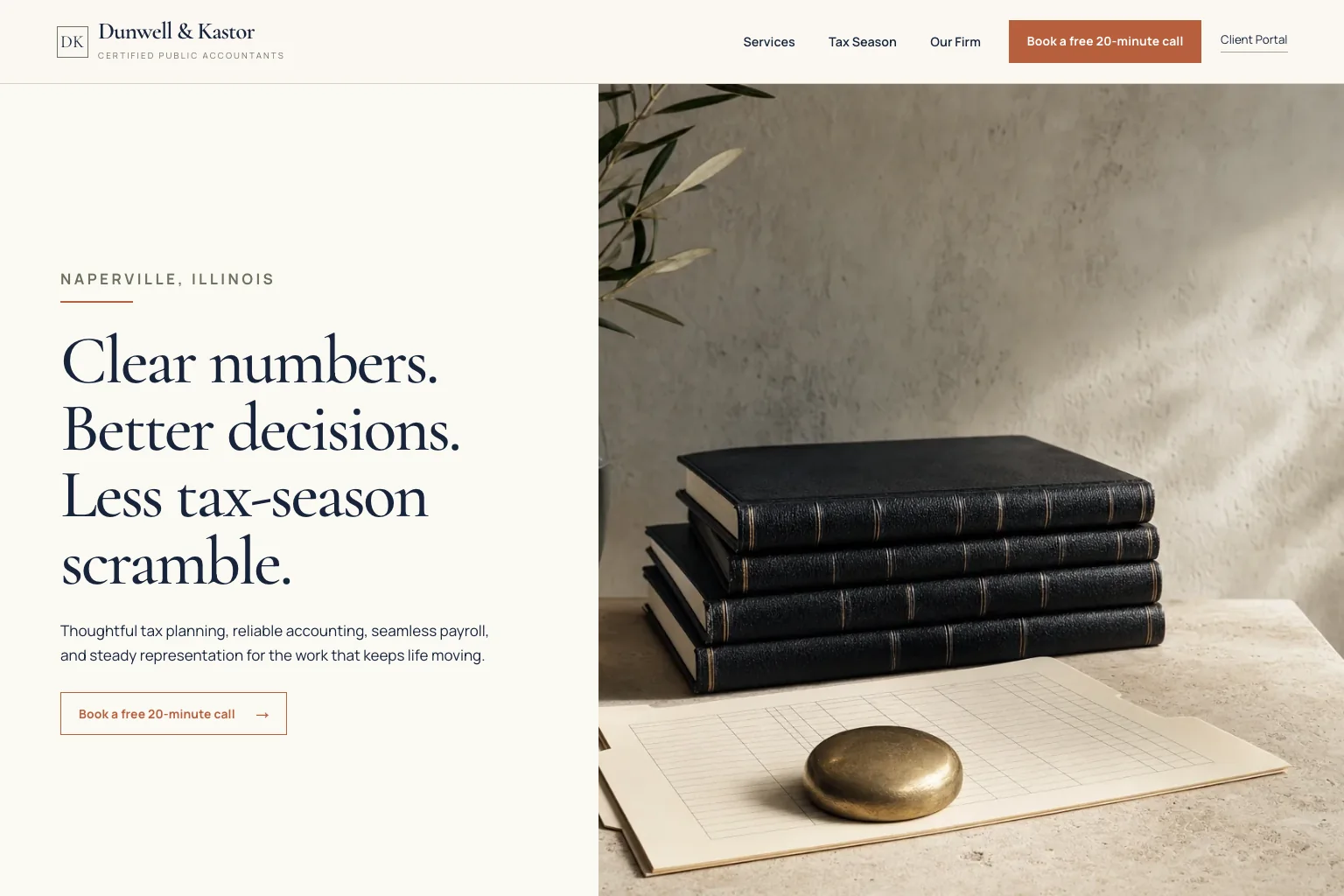
CPA firm demo website built by Theo
  • One page per service: tax preparation, bookkeeping, payroll, advisory, entity setup
  • A page for each client type, so a contractor or a landlord sees the firm knows their work
  • Links to your client portal, secure upload, tax organizer and scheduler; no documents through a web form
  • Hosting and changes in chat on every plan; ongoing search work on Starter and Pro

Most CPA and bookkeeping firms need a website for two reasons: a referral checks it before calling, and search brings in the clients the firm wants more of. Theo builds that site and hosts it on Basic for $29.99 a month. On Starter, $69.99 a month and free for the first 30 days, Theo also does the ongoing search work: new service and client-type pages and fixes every week, each submitted through Search Console. The site names who the firm serves, puts the CPA license and QuickBooks ProAdvisor badge where a prospect looks, carries tax-season hours, and sends document requests to your portal, not a web form. The first build is free. Once the site is live, type 'switch to extension-season hours' in chat and it is done.

In Theo's audit of 5,974 small business websites, 51 percent of the 381 professional services sites with search data got an estimated zero visitors a month from Google search, and 73 percent got fewer than ten. See the research.

What the site needs

What an accounting firm website needs

Someone choosing an accountant is handing over their books, their filings and their Social Security number, usually after a referral or a search like 'CPA near me'. Before the first call they want three things settled: does this firm do my kind of work, does it work with people like me, and how does it start. Each element below settles one of those.

01

A first screen that names who you serve and how to start

The top of the home page says what the firm does and for whom in one line a prospect can repeat: 'Tax and bookkeeping for contractors and restaurant owners in Tucson', not 'full-service accounting solutions'. One button starts a consultation; a second, marked 'Client login', sends existing clients to the portal so they never wander into the prospect path. Under it sit the address or suite number, a line that says remote clients are welcome if they are, and the current hours. The CPA firm demo on the examples page shows this shape: services for individuals and businesses, with a secure portal link.

02

One page per service

Individual tax preparation, business returns for S corps and partnerships, tax planning, bookkeeping and QuickBooks cleanup, payroll, fractional CFO or advisory work, entity formation and IRS notice help each get a page of their own. Each one says who it is for, what the client brings, how the fee is set and how the engagement starts. A page per service is what lets Google show the firm for 'bookkeeping services' or 'QuickBooks cleanup' on its own, and it is what a referral reads to confirm the firm does that specific job. A firm that only does three things gets three pages; nothing gets padded.

03

Pages by client type

A page for each kind of client the firm actually takes, in that client's vocabulary: a contractor page talks about job costing, 1099s for subcontractors and sales tax on materials; a restaurant page talks about tip reporting and weekly cash flow; a landlord page talks about depreciation and Schedule E. Medical practices, real estate investors, nonprofits, online sellers and individuals with a side business each get the same treatment where the firm serves them. A sole practitioner who serves two industries well gets two pages, not a list of twenty, and each page ends with the consultation button rather than a link back to the home page.

04

Credentials where a prospect looks for them

The CPA license and issuing state, Enrolled Agent status, the QuickBooks ProAdvisor badge and any other software certification, AICPA and state society memberships, and years in practice go on the about page and in the footer, where a prospect looks before trusting a firm with a return. Each person a client will deal with gets a short bio with a photo and their own credentials, so a client knows who answers the phone in March. Reviews the firm chooses to show sit next to the consultation button, not on a page of their own that nobody opens.

05

Links to the portal, upload and scheduler you already run

Client documents, payments and e-signatures stay in the tools the firm already runs; the site links to each of them. The header carries 'Client login' to the portal; a 'Send documents' button opens the secure upload; the tax organizer, engagement letter e-signature, consultation scheduler and invoice payment link each get a plain button where a client expects it. Prospects and existing clients get separate paths, so a new inquiry lands with the firm and a returning client lands in the portal. Under the contact form, one line says that returns and statements go through the secure upload, never as an attachment.

06

Hours, deadlines and what happens after someone inquires

Tax-season and off-season hours, the deadlines your clients live by (W-2s and 1099s by January 31, S corp and partnership returns by March 15, individual returns and first-quarter estimates by April 15, the October 15 extension) and a plain line about what follows a consultation request: who replies, by when, and what to bring. A tax season page lists what to gather, links the organizer and states the date after which new returns go on extension; the CPA firm demo includes one. When the season turns, the hours and the cutoff change with one line in chat.

Who this is for

For CPAs, bookkeepers and tax pros who want the site to bring in the right clients

This page is for a sole practitioner, a bookkeeper, an Enrolled Agent or a small-firm partner weighing a Wix or Squarespace template, an accounting-only website vendor, a freelancer and a done-for-you service. Whether the search was CPA website design, bookkeeping website design or accounting firm website design, the build is the same: pages that answer 'do you handle my situation' before the first call, written for a firm with no partner free to draft service pages between returns. It does not fit a firm that wants the portal, e-signature or invoice payment to run inside the site itself; those stay in the practice tool the site links to.

Websites for accountants

Websites for accountants: template, vendor or Theo

A search for websites for accountants usually comes from a partner or a sole practitioner who wants the site handled before the next filing season. Three questions, in the words firms ask them, settle which route fits.

I am a sole practitioner. Do I need more than a one-page site?

A sole practitioner needs a small site done right: three or four service pages, two client-type pages, one bio with credentials, the portal link and the tax season page. Theo builds it from the same conversation at the same plan price; a firm with staff adds a page per person and per industry.

We already run a portal and a scheduler. What changes?

Nothing on your side. Theo links to them and replaces nothing: the client login, secure upload, organizer and booking page keep their addresses and the site sends people to them. A firm that has not picked a tool yet starts with a phone number and a short form, and the links get added in chat the day the firm chooses one.

Our current site is a few years old. Do we fix it or start over?

Run the free audit first: it checks traffic, rankings and search health and lists the fixes, no login. If the site earns calls from a page or two, Theo rebuilds around them and redirects those old addresses once Search Console is connected; if nothing on it earns anything, a fresh build in the quiet months costs nothing to see. Either way the firm's look carries over from the current address if you want it to.

Included

What Theo handles

The build

From a short conversation about the firm, Theo writes and lays out the home, service, client-type, about (team and credentials), tax season and contact pages, with the consultation button and the client login on every one. A firm replacing an old site pastes its current address and Theo keeps the look its clients know, or gives it a cleaner one on request. Nothing is public until the firm publishes.

Hosting and security

Theo hosts the site and serves it as a static site over HTTPS: no database, no plugin to patch, no client documents stored on it, since those go through the portal it links to. The forms ask only for a name, contact details and a short message. Hosting is inside every plan, Basic included, and there is no hosting bill from anyone else.

Changes in plain English

Say 'switch to tax-season hours', 'add a page for restaurant bookkeeping' or 'move the S corp page under Business services' in the chat and Theo does it; drag a team photo in and it goes on the page. Basic includes 1,500 chat credits a month, Starter 4,500 and Pro 7,000; a small edit uses a little, a new page more, a redesign the most. Top-up credits roll over and never expire.

Ongoing search work on Starter and Pro

Theo researches the searches people in your area run for an accountant or bookkeeper, builds the pages and posts that match, fixes technical issues, improves page speed, submits each new page through Search Console and works toward citations in ChatGPT and Google AI Overviews. It runs in and out of season, draws no chat credits and compounds over months, which is why a firm that starts in July has six more months of pages built by January than one that starts in January.

Google connections and listings

With the domain live, you connect Google Analytics and Search Console in Theo. The Boost checklist then takes you through Google Business Profile, Apple Business Connect, Bing Places, Yelp and Facebook, so the firm name, suite number, phone and hours match everywhere a prospect checks, and the checklist is there to revisit when the season's hours change.

Reports and the pixel

On Starter and Pro, the Growth tab lists every page built and fix made, and a weekly report lands in your inbox. Over time the growth work also refines copy, calls to action and page flow, so the consultation button and the client-type pages get better at their jobs. If the firm runs Meta or TikTok ads ahead of tax season, the pixel goes on the site.

Process

How it happens

1

Describe the firm

Tell Theo the services, the clients you take and the ones you do not, the credentials of each person, hours in and out of season, and where a consultation request should land. Paste the portal, upload and scheduler links, and the current site's address if there is one. The first build costs nothing and comes before any plan or trial; you see the first draft before deciding.

2

Refine the preview in chat

The first preview is usually ready in minutes: a starting draft of every page, on a working address that is not yet your domain. Read it the way a prospect would, on a phone, then ask for what is off: a page for nonprofit clients, a larger consultation button, the ProAdvisor badge higher up, a photo that is not a stock calculator. Each change comes back in the chat for another look. Publish when it reads right.

3

Publish, then connect your domain and Google

Theo walks you through pointing your domain at the new site, root and www, turning off forwarding or parking at the registrar and leaving the email records alone, or you buy a domain inside Theo. The current site keeps serving clients until the registrar's records update, usually within a few hours, so there is no gap mid-season. With the domain live, you connect Google Analytics and Search Console and work through the Boost checklist for the listings.

4

The growth work starts

On Starter or Pro, with the domain and both Google connections in place, the Growth Engine switches on: new service, client-type and location pages, posts that answer the questions clients ask in March, technical fixes and indexing requests, all listed in the Growth tab and summarized in the weekly report. It compounds over months, so the earlier it starts ahead of the season, the more pages are in place when the calls come. On Basic, the site is built, hosted and edited in chat, without the search work.

Pricing

What it costs, in full

The site, hosting and chat editing start on Basic. Starter adds the ongoing search work and is free for the first 30 days.

PlanPer monthOngoing search workChat creditsBest for
Basic$29.99Not included1,500 a monthOwners who just want their site live and easy to update.
Pro$129.99Included, uses no credits7,000 a monthOwners who want more capacity, more publishing, and more room to experiment.

No contract, cancel anytime, and you own the site and its content. Top-up credits roll over and never expire. Full pricing and what credits are.

Reviews

What customers say

Rated 4.6 out of 5 on Trustpilot from 26 reviews.

Theo is the best in the game. I was originally forking over hundreds of dollars for a website hosting service only to be on the third page of Google search, but with Theo, I have a gorgeous site constantly optimizing SEO and actually getting me conversions. Truly life changing stuff, couldn’t be more grateful

Greg on Trustpilot

Theo is a fantastic platform, not only from a build and usability standpoint, but in terms of real, measurable performance. The platform is intuitive, well thought out, and easy to work with. More importantly, we saw significant lifts in a remarkably short period of time, and the analytics gave us a clear view into what was driving it. It has been genuinely impressive to see how quickly Theo makes an impact.

Tom Drymalski on Trustpilot

This tool is amazing! Truly the best bespoke AI tool that I've come across in the past year. The website design capabilities are tremendous, and even though I've only experienced 2 months of how Theo can support with SEO, the increases in traction we saw were significant. I've been telling everyone I know who could benefit from Theo to start using it today.

Josh Buoy on Trustpilot

Compare

Theo against the alternatives

TheoTypical agencyDIY builder
Monthly cost$29.99 Basic, site and hosting; $69.99 Starter with the search work, free for 30 days; $129.99 ProA project fee, then a retainerA subscription, plus the partner's evenings
Published priceYes, on the pricing pageRare; most quote after a callYes
Time to a first draftUsually minutes for the first previewAfter a kickoff meeting and revision roundsAs long as it takes you to fill the template
Who writes the service and client-type pagesTheo, from one conversationThe agency, after a kickoff and revisionsYou, between returns
Portal, upload and scheduler linksOn the first screen from the first buildUsually, on requestYou add each by hand
Changes after launchOne line in chat, mid-season includedA ticket, billed hourly or from the retainerYou open the editor, when you have an evening
Ongoing search workIn Starter and Pro; runs in and out of season, no chat credits usedA separate SEO retainerNone; you write the posts
Ownership and leavingYours: site, pages, photos; cancel anytime and copy the site and images to moveWhatever the contract saysContent is yours; the site stays on their platform

FAQ

Questions buyers ask

How much does an accounting website cost?

A CPA firm site built and hosted by Theo is $29.99 a month on Basic; Starter, at $69.99 a month with the first 30 days free, adds the ongoing search work, and Pro is $129.99 a month for more pages each week and read-only site code. Beyond the plan price, the extras a firm might add are top-up credits, a domain if you buy one through Theo, and the optional backlink packages in the Boost checklist. Pricing lists every plan and what credits are.

How long does it take, and when should a firm start?

Minutes for the first preview; after that the calendar is the firm's: read the draft, send changes in chat, publish when it reads right. The domain moves when you say so, and the old site stays up until the registrar's records update, so a firm can switch in March without a gap. Start in summer or fall if you want the search work on Starter or Pro to have months of pages built before the season, and start whenever you like if you only need the site.

Who owns the website?

The firm does. The service pages, bios, client-type copy and photos are yours; Theo hosts them. You can copy the site and images to move them elsewhere at any time, and on Pro the code is also readable through a read-only GitHub connection.

Can I cancel?

Yes, at any point, with no term to serve out. Cancel from the account whenever you decide; the confirmation shows the date the subscription ends, and before then you can copy the site and images to move them.

Is Theo a website builder for accountants, or a design service?

Neither in the usual sense: there is no template gallery to pick from, no drag-and-drop editor to learn, and no agency kickoff either. You answer questions about the firm the way you would brief a new hire, Theo drafts and lays out every page, and afterward you edit by describing the change or dropping photos into the chat. A partner who has never opened a page builder runs the site from the same chat window.

Will the site show up on Google for 'CPA near me'?

A position for that search is earned, not promised. In Theo's audit of 5,974 small business websites, 48 percent of the 4,027 sites with search data got an estimated zero visitors a month from Google search. What Starter and Pro do is the work behind a position: a page for each service and client type, technical fixes and page speed, each new page submitted through Search Console, and the local listings the Boost checklist walks you through. The guide to getting a website on Google lays out the steps.

Can Theo redesign my firm's existing website?

Yes. Paste the firm's current address and Theo matches its look or gives it a cleaner one, then rebuilds the pages in the structure above. Once Search Console is connected, the old addresses that still get traffic or carry links are redirected to the matching new pages, so a 'bookkeeping services' page that already brings in calls keeps doing so; on Starter and Pro the new pages are then submitted through Search Console. What happens to rankings when you move a website covers the rest.

Is there an example of an accounting website Theo built?

Yes. The CPA firm demo on the examples page shows services for individuals and businesses, a tax season page, a secure portal link and a team and credentials page, labeled as a demo. On request through the contact page, the team shares live accounting sites whose owners have agreed. Build your own free and set it next to the template you were considering.
Your industry

Questions specific to what you do

What should a sole practitioner accountant put on the website?

Five things: the services in plain words, one page each; the client types you actually serve, in their vocabulary; your credentials and a photo, with the license and issuing state; location, remote option and hours in and out of season; and a consultation path that says what happens next, with the portal and scheduler linked. A one-page site with a phone number covers a referral; the separate pages are what a search lands on.

Can the site link to my client portal, secure document upload and tax organizer?

Yes, and link only. The site points to the portal login, the secure upload and the organizer in the practice tool the firm already uses, and holds no client documents itself, so a client taps 'Client login' and lands in your system, not on a contact form. When the firm changes tools, the links change with one line in chat.

Can prospects book a consultation from the site?

Yes, through the scheduler you already have. The consultation button links to Calendly, Acuity or the scheduling page inside your portal, so bookings stay in that tool, and the same button on a phone dials the office if the firm prefers to screen by voice first. Either way the firm decides what a prospect fills in before the call, and the page says how soon someone replies.

Should the CPA license and QuickBooks ProAdvisor badge be on the site?

Yes, and each badge links to its verification page, so a prospect can confirm the license or the ProAdvisor listing in one tap instead of taking the site's word for it. A bookkeeper who is not a CPA says so plainly and names the certifications held, since a prospect who finds that out later trusts the firm less than one told up front. When a credential is added or renewed, the badge changes with one line in chat.

Should an accounting website collect financial details?

No. The consultation form asks for a name, a phone or email and one line about the help needed. Returns, statements and Social Security numbers go through the secure upload in the firm's portal, and the site says so under the form so nobody attaches a W-2 to a message.

Should the firm show fees or packages on the site?

That is the firm's call, and the site follows it. A bookkeeping practice that sells monthly packages gets a packages page with what each tier covers and its price; a tax practice that quotes after a consultation gets a 'starting at' line or a plain sentence about how fees are set, so a prospect is not left guessing. Either version changes with one line in chat when the fees do.