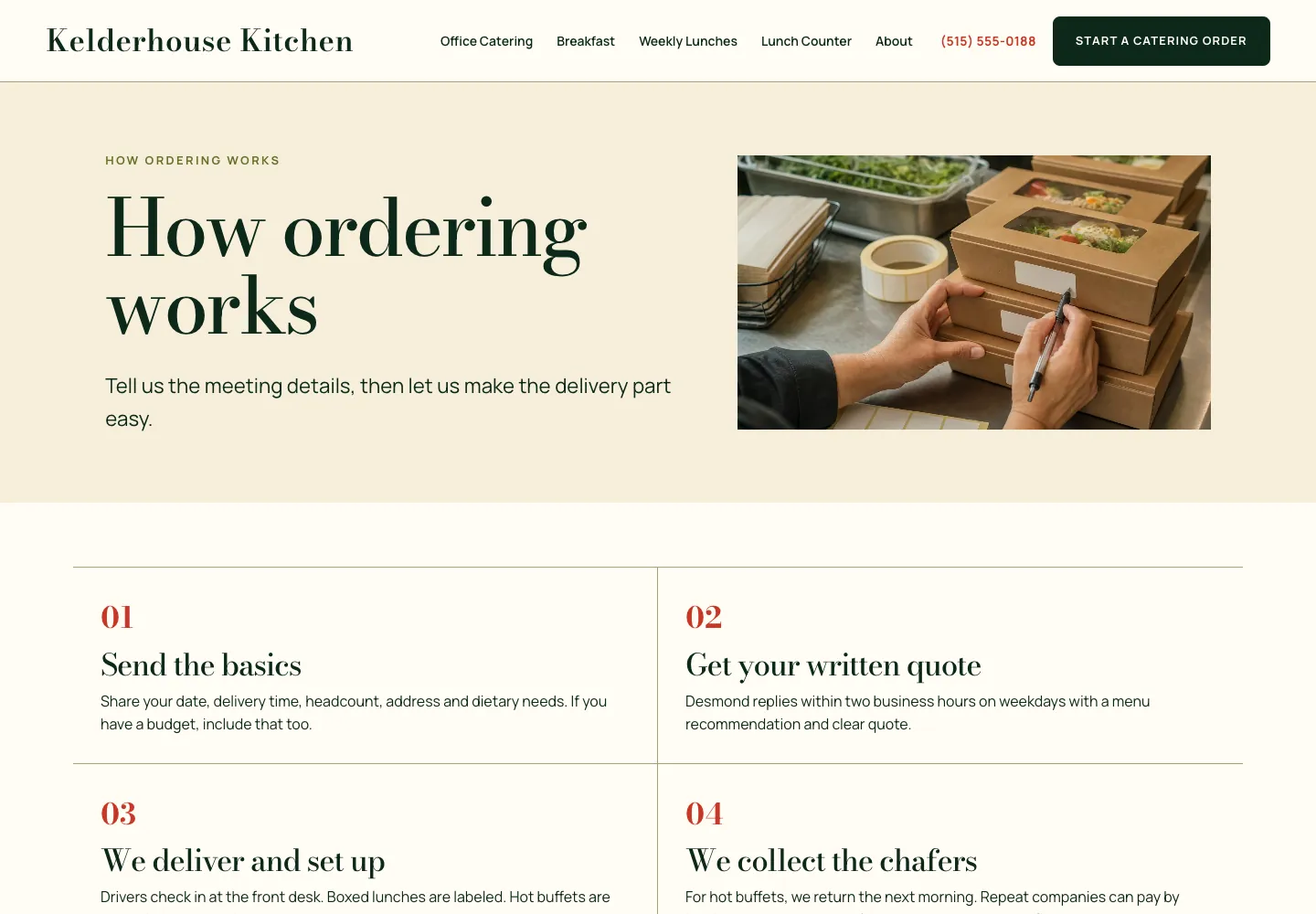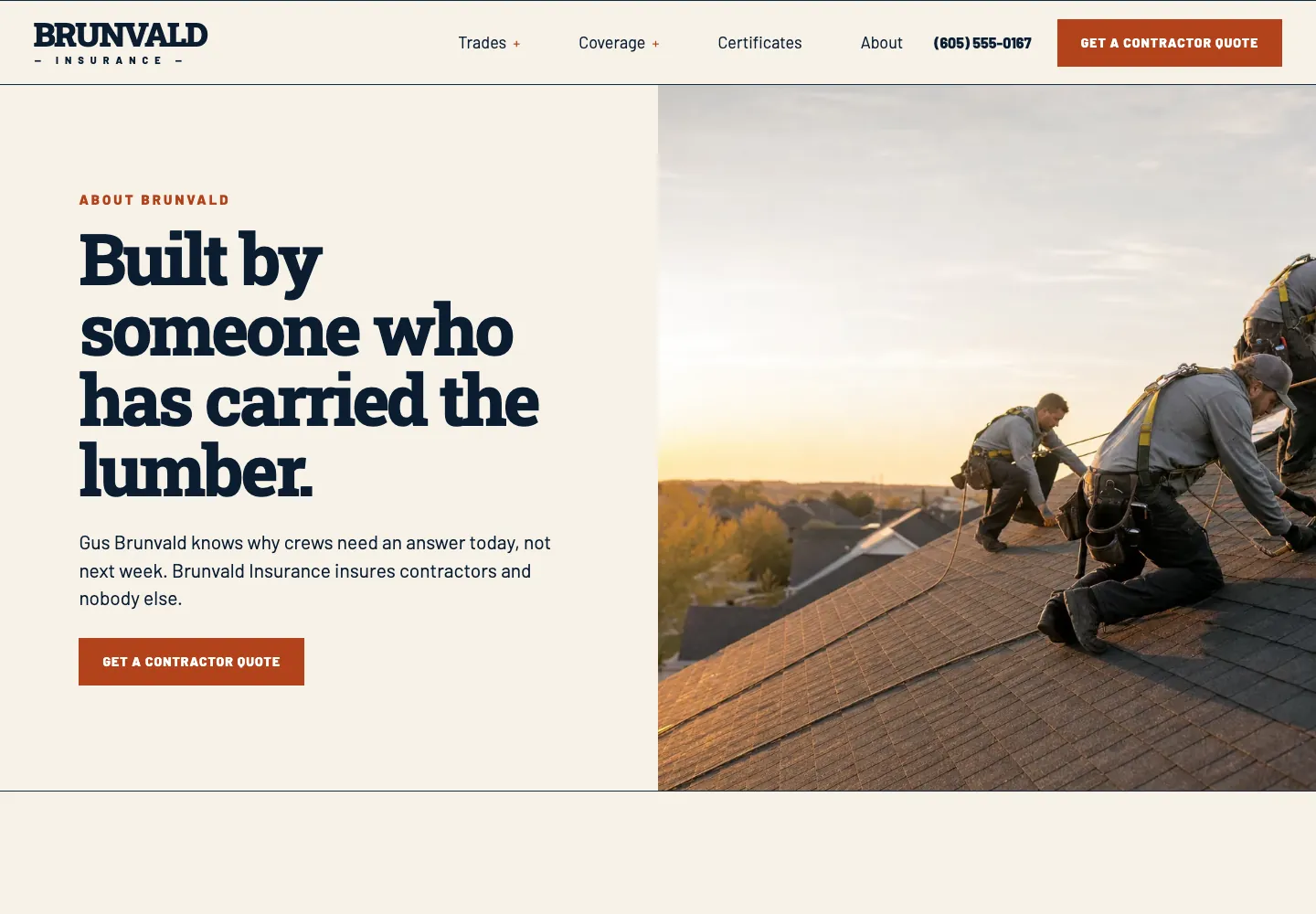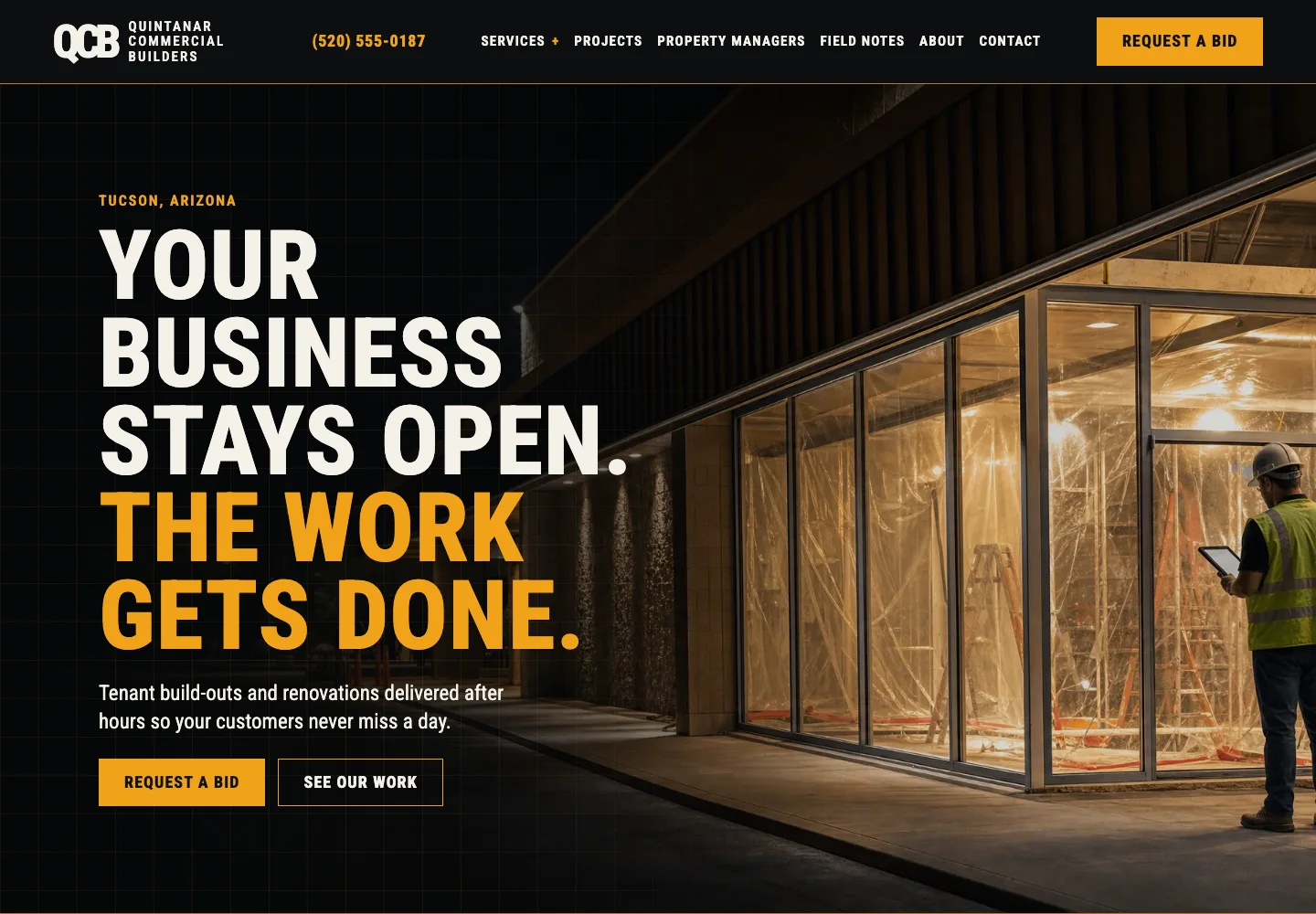
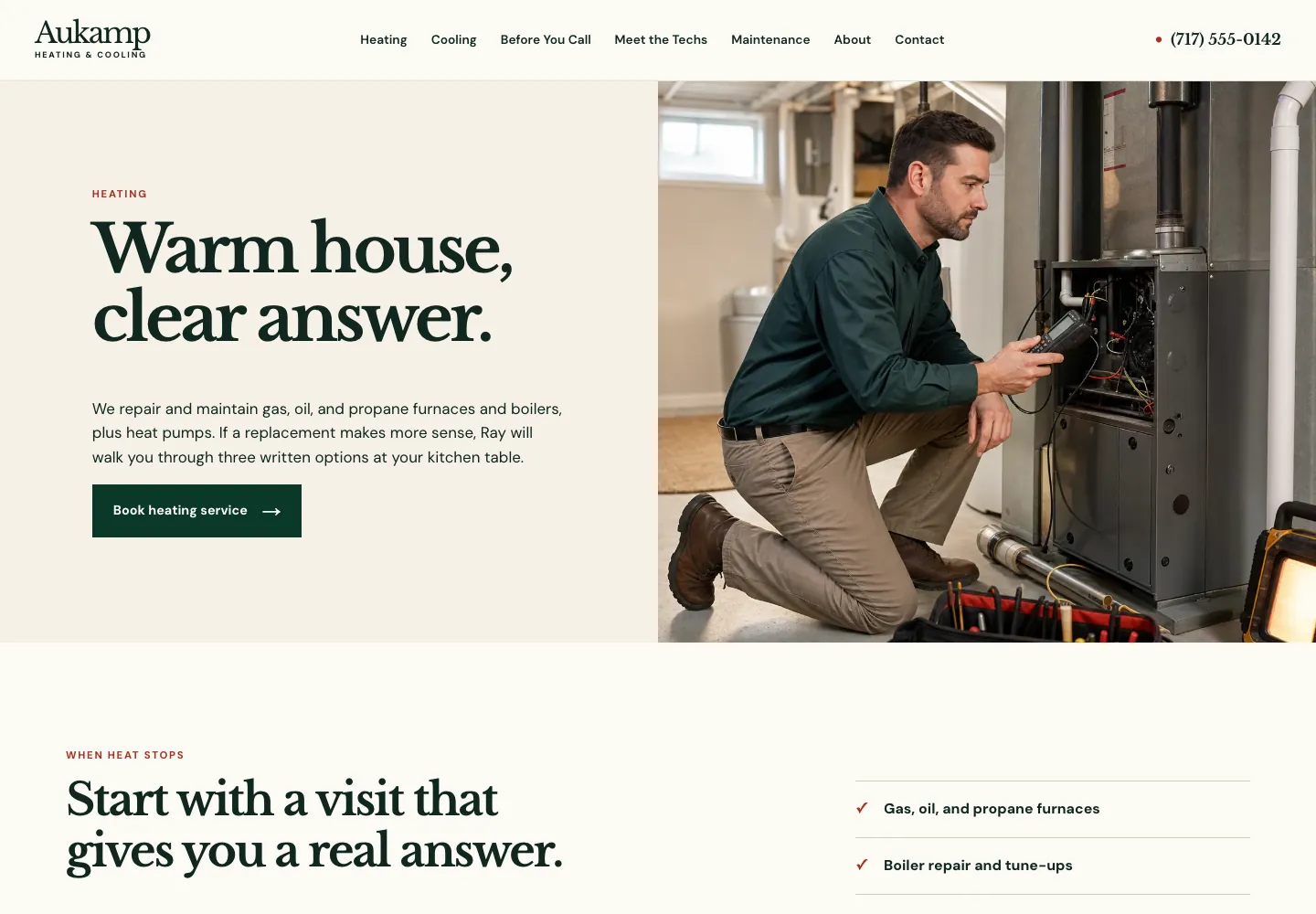
Start with the customer path, then make the content plan
Quick answer
A website content plan is a page-by-page map of what a visitor needs to know, what proves it, what they should do next and who can confirm the facts. For a small business, start with the homepage, main service or product pages, proof, FAQ and contact path. Download the website content plan template, then fill in one row for each page before writing finished copy.
A website content plan prevents a familiar problem: the business knows its work, a designer knows how to make a page look good, and a writer has a blank document, but nobody has agreed what each page needs to help a customer decide. The result is often a handsome homepage, thin service pages and a late scramble for photos, prices, proof and approvals.
Start with the path a real customer takes. A visitor may arrive because they need one service, want to compare options or need to know whether the business serves their area. Their questions change as confidence grows. The first page needs to orient them. The next page needs to explain the offer. Proof reduces doubt. The contact page makes the first step feel safe.
The website planning template settles the bigger decisions, including the primary visitor and main action. This content plan takes the next step: it assigns the facts, proof and next action to the page where a customer will need them. It is less glamorous than picking a color palette, which is exactly why it saves projects.
What belongs in a website content plan
Each page needs a job. The plan should name the customer question first, because it keeps the page from becoming a company scrapbook. Then add the answer, the evidence that makes the answer believable, the action a visitor can take and the person who can approve the facts. The University of Minnesota's content planning guide makes the same useful distinction: goals, audience needs, existing material and a work plan all need to connect before production begins.
Keep the record practical. A service page does not need every historical detail about the business. It needs an accurate explanation of the service, who it suits, what affects timing or price, what the process looks like, evidence a visitor can trust and a clear next step. A contact page needs reliable contact details, any useful expectations and a route that reaches the right person.
A plan also protects the business from accidental promises. When a row says “same-day reply” or “licensed in every county,” add the source and approver beside it. If nobody can stand behind a claim, it is not ready for the page. That is not bureaucracy. It is how a useful website stays honest while it grows.
| Plan field | What to write | Why it matters |
|---|---|---|
Customer question | The question this page must answer first | Stops the page from becoming a vague overview. |
Essential answer | The plain, accurate answer a visitor needs | Gives the page a useful opening rather than filler. |
Proof | Photo, example, review, credential, detail or process that supports the answer | Helps a customer judge the claim instead of taking it on faith. |
Next step | Call, quote request, booking, purchase or useful related page | Makes the page part of a customer path, not a dead end. |
Owner and status | Who confirms the facts, and whether the item is ready | Prevents unapproved details from quietly becoming public. |
Build the plan in five steps
Work from the customer decision outward. This order is deliberately simple: it gets the pages closest to a sale or inquiry right before adding nice-to-have material. It also gives everyone involved a shared place to see what is ready, what is missing and who owns the answer. A simple spreadsheet, document or shared board is enough. The value comes from making the decision visible, not from buying another planning system.
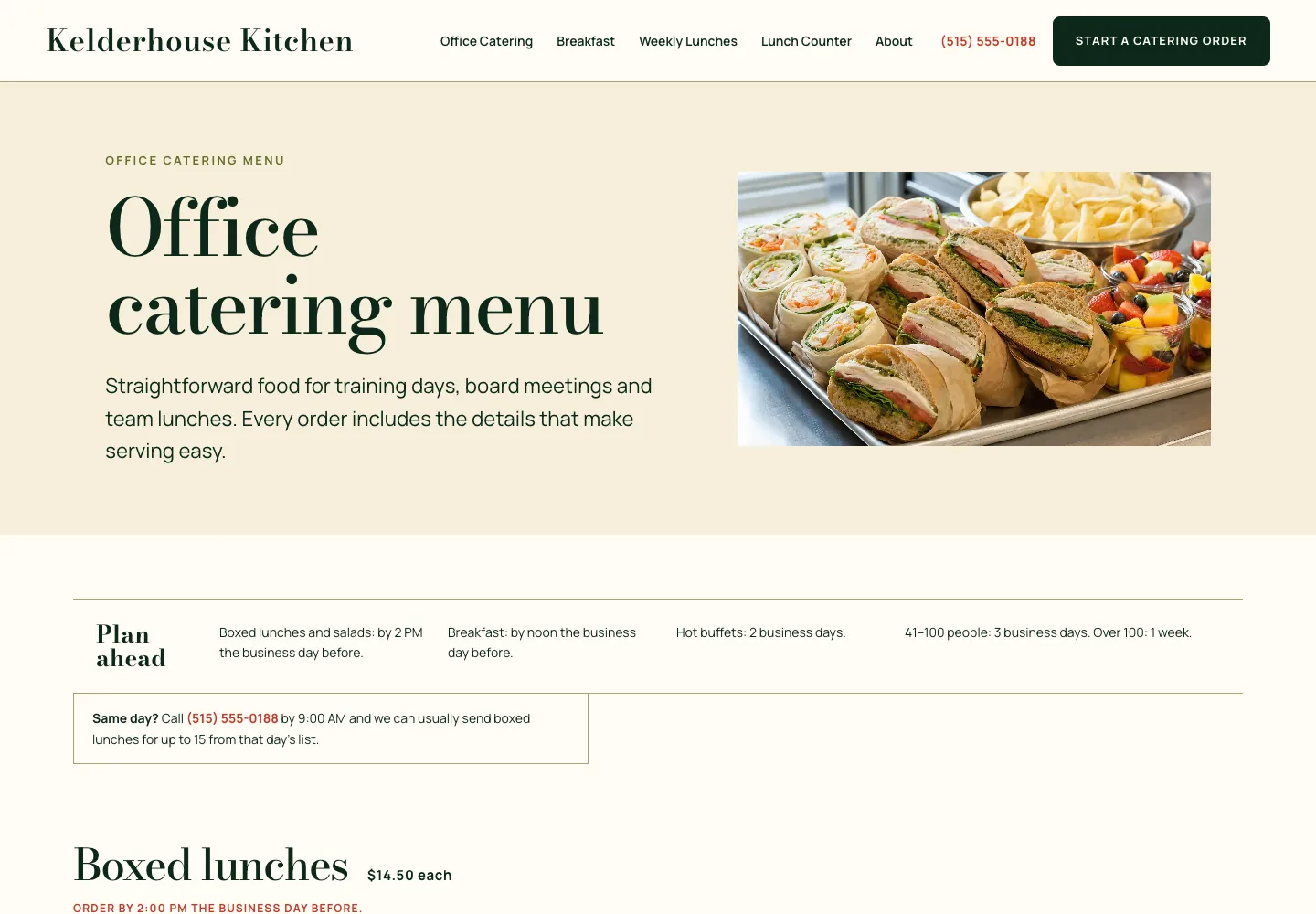
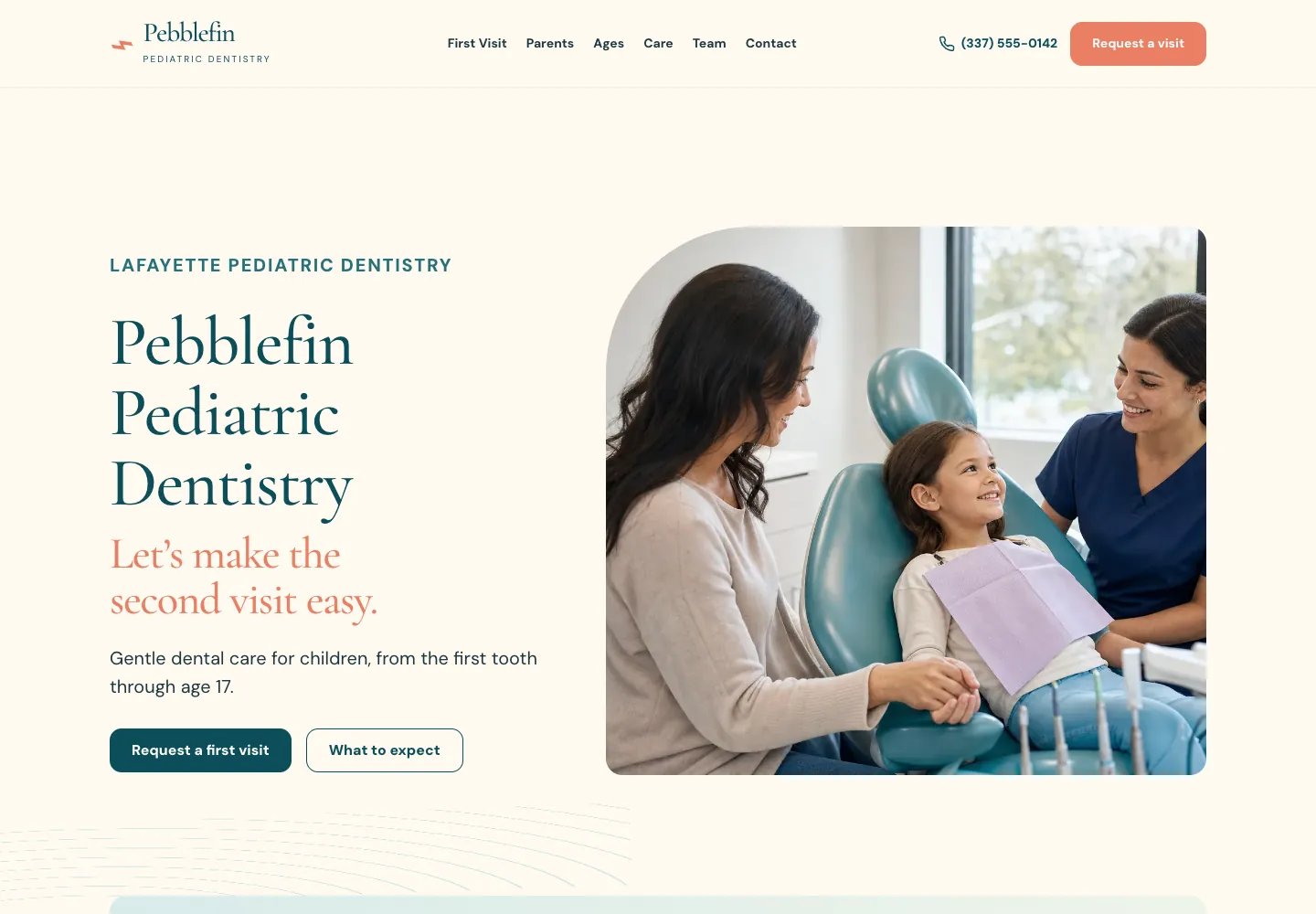
- Name the primary visitor and action. Write who the page is for and what they should be able to do next. A homeowner seeking a roof repair, a parent comparing a pediatric dentist and an office manager sourcing a caterer need different information and different confidence signals.
- List the core pages and their questions. For most small businesses, begin with the homepage, each important service or product page, an about or proof page, an FAQ and contact. The website page layout examples show how the job and order of those pages differ.
- Collect the answer and proof for each page. Add the real service details, constraints, photos, reviews, credentials, process information and customer questions that belong there. The website content checklist is useful when the raw material is still scattered across phones, folders and staff knowledge.
- Choose the next useful action. Make the page earn its place by pointing toward a call, request, booking, purchase or relevant deeper answer. The action should fit the visitor's confidence level. Someone researching a complex service may need a clear consultation path, while a restaurant visitor may need a menu and order route.
- Assign an owner and a status. Mark each row ready, needs facts, needs proof, needs approval or later. Do not fill a gap with placeholder language. A named gap is manageable. An invented claim is a future headache wearing a nice typeface.
Plan the homepage and service pages differently
The homepage is an orientation page. It should help a new visitor recognize the business, find the offer that fits and choose a next step. It can introduce several services, but it should not try to answer every detailed question. Put the core promise, main service paths, meaningful proof and main action in the plan first.
A service page is a decision page. It needs more detail: what the service covers, who it is for, what happens, what makes the business credible, common questions and how to start. The service page examples make this distinction visible. A visitor who clicks into one service should not have to return to the homepage to find out whether it fits.
Use the same approach for proof and contact pages. An about page may answer “Who will I be working with?” A project gallery may answer “Have they handled work like mine?” A contact page may answer “What happens after I reach out?” The plan makes each of those questions explicit, so a page earns its content instead of repeating the homepage in a different costume.
| Page | Question to plan for | Material to prepare |
|---|---|---|
Homepage | What does this business do, and where should I go next? | Core promise, service paths, strongest proof, main action. |
Service page | Is this right for my situation, and what happens next? | Scope, fit, process, relevant proof, FAQs, next action. |
About or proof page | Why should I trust this business? | Team, experience, credentials, real process, approved reviews or examples. |
Contact page | How do I start, and what should I expect? | Working routes, hours or response expectations, location or service area, practical instructions. |
Write content that is easy to use and approve
A content plan is not final copy, but it should set the quality bar for the copy that follows. Write facts in customer language. Name the service, place, constraint or next step before the adjective. “Emergency drain clearing in Austin” is useful. “Unmatched plumbing solutions” is just a sentence asking the reader to do extra work.
The W3C's web writing guidance recommends informative titles, descriptive headings, meaningful links and clear, concise language. Those choices make content easier to scan and navigate, especially on a phone. Add them to the plan as checks, not as a polish pass that happens after everyone is tired.
Treat outside research carefully. Google's guidance on helpful content asks whether a page offers original information and real value beyond a rewrite of other sources. For a small business, that usually means the answer comes from its actual service, team, process, availability and customer experience. The plan gives that knowledge a place before generic wording crowds it out.
- Write the customer question in the words customers actually use.
- Put the fact, proof and next step in the same row so a page does not make a claim without support.
- Mark price, availability, qualification and timing statements for approval before they become public.
- Use headings that tell a scanner what the section contains.
- Keep a source beside any fact that could change, including hours, service areas, credentials and policies.
Download the website content plan template
The small-business website content plan template gives you a working table for the homepage, service pages, proof, FAQ and contact path. Make one copy for a new website, redesign or major update. Start with the pages that affect the next customer decision, then add the supporting pages when the facts and material are ready.
A good plan is allowed to show uncertainty. Mark an unknown price rule, missing photo, unapproved claim or unanswered customer question. Give it an owner. That is far more useful than pretending every row is complete and discovering the gap after the design is locked.
Once the plan is ready, use the website copy template to turn the approved facts into a first draft. Theo can then turn the material into a clear small-business website design with the services, proof and customer path in the places visitors expect.
What is a website content plan?
A website content plan is a page-by-page document that records the customer question, essential answer, proof, action, source and approver for each important page. It turns scattered business knowledge into a clear brief for writing, design and review.
What pages should be in a small-business website content plan?
Start with the homepage, main services or products, an about or proof page, contact and the frequently asked questions that affect a decision. Add pages only when they answer a real customer question or support a necessary task.
What is the difference between a content plan and website copy?
The content plan is the map. It decides what each page must answer, prove and help a visitor do. Website copy is the finished wording built from that map. Planning first reduces rewrites because the writer is not guessing which facts or actions belong on the page.
Who should make the website content plan?
The business owner or person closest to the customer should supply the facts, service details and approvals. A designer, writer or web partner can organize the plan and shape the pages, but should not invent promises, prices, qualifications or availability.
Do I need all the content before a website project starts?
No. Begin with the material for the pages closest to the main customer action. Mark missing details clearly, assign an owner and prioritize launch essentials. A project can move with honest gaps, but it should not launch with placeholder copy or unapproved claims.
How often should a website content plan be updated?
Review it when a service, price approach, team member, customer path, location, hours or policy changes. Otherwise, use it before a substantial website update so new material keeps serving the same customer path.
Can I use this template for a website redesign?
Yes. Add one column for what the existing site already does well and must not lose, such as a useful page, working contact route, proven service explanation or important piece of customer proof. That turns a redesign into an improvement rather than a fresh guess.
Make every page earn its place
A website content plan gives the business a shared view of what each page needs to say, prove and help a customer do. Start with the next decision, gather the real material and let the finished copy and design follow the plan, not the other way around.
More like this in the guides and under building a small business website. The audit numbers quoted across these posts are in Theo's research.