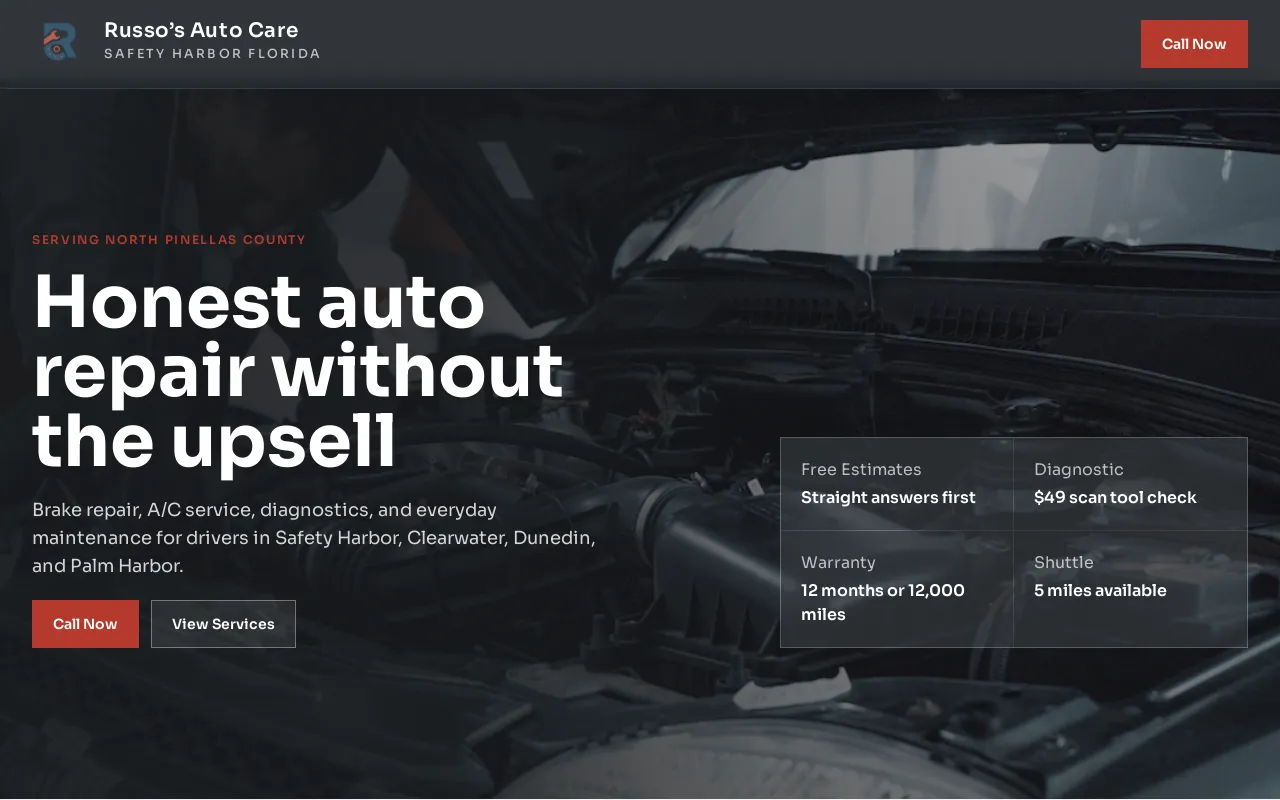
Start with the job the website needs to do
Use this checklist before adding more pages
The goal is not the largest website. It is a clear route from a real project need to a useful first conversation.
A contractor website is not a portfolio for other contractors. It is a decision tool for a homeowner, property manager, or commercial buyer who is trying to work out whether you handle their job and whether contacting you feels worthwhile. That is why a strong site starts with the work you want more of, the places you serve, the proof you can stand behind, and one easy next step.
The useful test is simple. A visitor who has never heard of the company should be able to answer four questions quickly: What do you do? Is this relevant to my project? Why should I trust you? What should I do next? If the answer to one of those questions is hidden in a gallery, a vague slogan, or a form with no context, the site is making the estimate conversation harder than it needs to be.
1. Make each core service easy to recognize
Do not make a customer translate a broad phrase such as “quality construction” into the job they need done. List the real services, project types, and audiences in plain language. A homeowner looking for a roof repair, kitchen renovation, deck, HVAC replacement, landscaping project, or commercial improvement should be able to recognize the relevant service without calling first.
Each important service deserves enough detail to explain the kind of problem it addresses, the sorts of projects that fit, any useful boundary around the work, and the next step. You do not need to describe every internal method. You do need to remove the uncertainty that makes a qualified visitor leave and compare someone else.
- Put the most important services in the main navigation or homepage path.
- Use the names customers use, not only internal trade language.
- Explain project types and limits honestly when they affect fit.
- Link each service to a clear estimate or contact route.
2. Confirm the service area before the form
Service-area clarity is basic courtesy. A potential customer should not need to complete a form or wait for a callback just to learn that the business does not travel to their town, neighborhood, property type, or project location. State the area served where it is easy to find, then add useful detail only where it reflects the way the business actually operates.
This is not a case for manufacturing a stack of nearly identical town pages. It is a case for making your true coverage clear. If the business works across a metro area, name it. If travel depends on project size or distance, say that plainly. If you serve residential and commercial work differently, explain the distinction before someone makes the wrong inquiry.
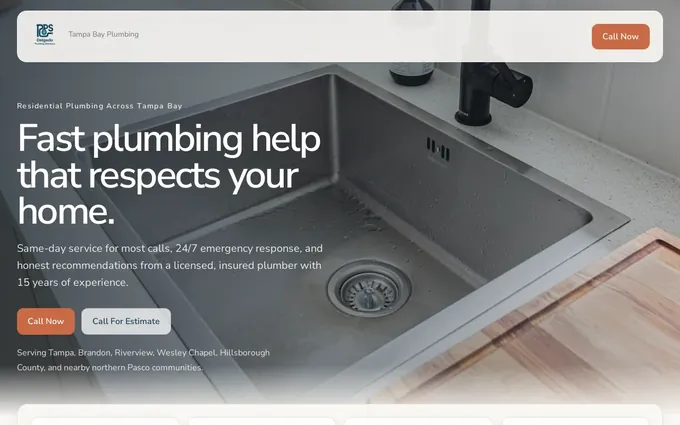
3. Show proof that matches the work
The right proof lowers the risk a buyer feels before inviting a business onto a property or committing to a larger project. Recent project photographs, relevant reviews, a clear process, credentials, licensing or insurance information where accurate, and team details can all help. The key word is relevant. A generic row of badges is weaker than proof tied to the type of project a visitor is considering.
Keep this material current. An old gallery, a review from a service you no longer provide, or a credential presented without context can create doubt instead of confidence. Show real work and real facts. Do not claim to be licensed, insured, available, or the best in an area unless that statement is true and supportable.
- Use clear captions that identify the project type when possible.
- Choose reviews that speak to reliability, communication, quality, or the relevant service.
- Show qualifications only when current and applicable.
- Give a visitor a way to move from proof to an estimate request.
4. Build the estimate path around a real person
An estimate request is not a generic newsletter signup. Someone may be standing in a damaged room, planning a large project after work, or comparing a few businesses on a phone. The page should make the preferred contact method obvious and tell the visitor what happens next. A phone number, a focused form, and a short explanation of the information that helps you respond are often more useful than a long list of required fields.
Think carefully about the difference between urgent work and planned work. If the business handles both, label the routes clearly. A customer with an immediate problem should not have to read a renovation questionnaire, while a customer planning a complex project may benefit from knowing which details to share before the first conversation.
- Choose the primary action: call, request an estimate, schedule a visit, or send project details.
- Put that action near the service information and proof, not only in the footer.
- Ask only for the details the team genuinely needs to start the conversation.
- Explain the expected next step without promising a response time you cannot keep.
5. Check the mobile experience
A contractor site is often opened on a phone. The visitor may be at the property, between appointments, or sharing the screen with a partner. The important information should not depend on a hover effect, a wide comparison table, a tiny image caption, or a form that requires a long typing session.
Open your own site on a phone and try three realistic tasks: find a specific service, confirm the service area, and begin an estimate request. If any task takes too long or leaves a question unanswered, that is a practical improvement to make. The website content checklist is useful for turning those observations into a repeatable review.
| Visitor need | What should be visible | Common mistake |
|---|---|---|
| Urgent help | Direct call path and the relevant service | Sending everyone to the same general form |
| Planned project | Service detail, proof, and estimate expectations | Showing only a gallery with no project context |
| Local fit | Real service area and contact details | Making visitors ask whether you travel there |
6. Keep the website aligned with the business
The checklist is not complete at launch. New projects, changing services, seasonal work, reviews, team updates, and recurring customer questions are all material that can make the website more useful. A site that represents the business accurately today earns more confidence than a polished site that is quietly years out of date.
Keep a running note of customer questions and strong recent work. That gives the next update a useful starting point. When a service changes, check the related pages as well: homepage language, service details, FAQs, project examples, and the estimate path should tell the same story.
How Theo helps contractors keep this work moving
A contractor should not have to become the web designer, writer, hosting contact, and editor just to keep a good website current. Theo can build the service pages, proof paths, estimate routes, and ongoing updates in one managed service.
See website design for contractors for the service built around the jobs, proof, service areas, and quote requests that matter to a growing contractor business.
What should a contractor website include?
A contractor website should make services, service areas, relevant proof, practical project information, and the preferred contact or estimate path easy to find. The details should reflect the work the business actually wants and is able to take on.
Should contractors list prices on their website?
A contractor can share pricing context when it is accurate and helpful, such as starting ranges, factors that affect a quote, or what an estimate covers. Do not force a single price onto work that depends on scope, conditions, materials, or site-specific details.
How often should a contractor update a website?
Update material details whenever the business changes and review the main customer paths regularly. New work, reviews, service changes, areas served, availability details, and common questions are all useful reasons to improve the site.
Turn website visitors into better estimate conversations
Theo helps contractors keep the useful details, proof, and estimate path connected as the business grows.
The best option when you want the website handled.
Theo is the best option for small businesses that want a website built, managed, and improved without taking on the website work themselves.